
Getting started with BusinessSales
Published 1 May 2026
BusinessSales is the marketplace for buying and selling Australian businesses. Whether you are a buyer searching for an acquisition, a seller listing your business, or a broker managing multiple listings on behalf of clients, the platform has a tailored experience for each role.
Creating your account
Follow these steps to sign up:
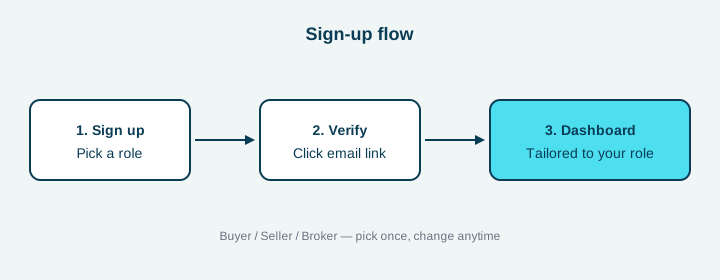
- Click Sign up in the top-right of any page.
- Pick the role that matches you best: Buyer, Seller, or Broker. The role determines which dashboards and tools appear after you log in.
- Enter your details and submit the form.
- Open the verification email we send you and click the link within 24 hours.
- You will be redirected to the dashboard for your role.
Changing your role later
You can switch roles at any time from your account settings if your situation changes — for example, a buyer who later wants to sell their own business. Existing saved searches and shortlists stay attached to your account.
Need help?
If the verification email never arrives, check your spam folder. If it still does not show up after 5 minutes, request a fresh link from the login screen.
Couldn't find your answer?
Tell us what happened and we'll reply by email.